Rescue ducklings.
Dodge planes.
Keep your flock flying.
A little arcade chaos. A very important flock. Lead your ducklings through golden rings, swerve past planes, and see how long you can keep everyone in the air.
Free to play. Optional one-time collection purchase.
One more flight?
Gather your flock.
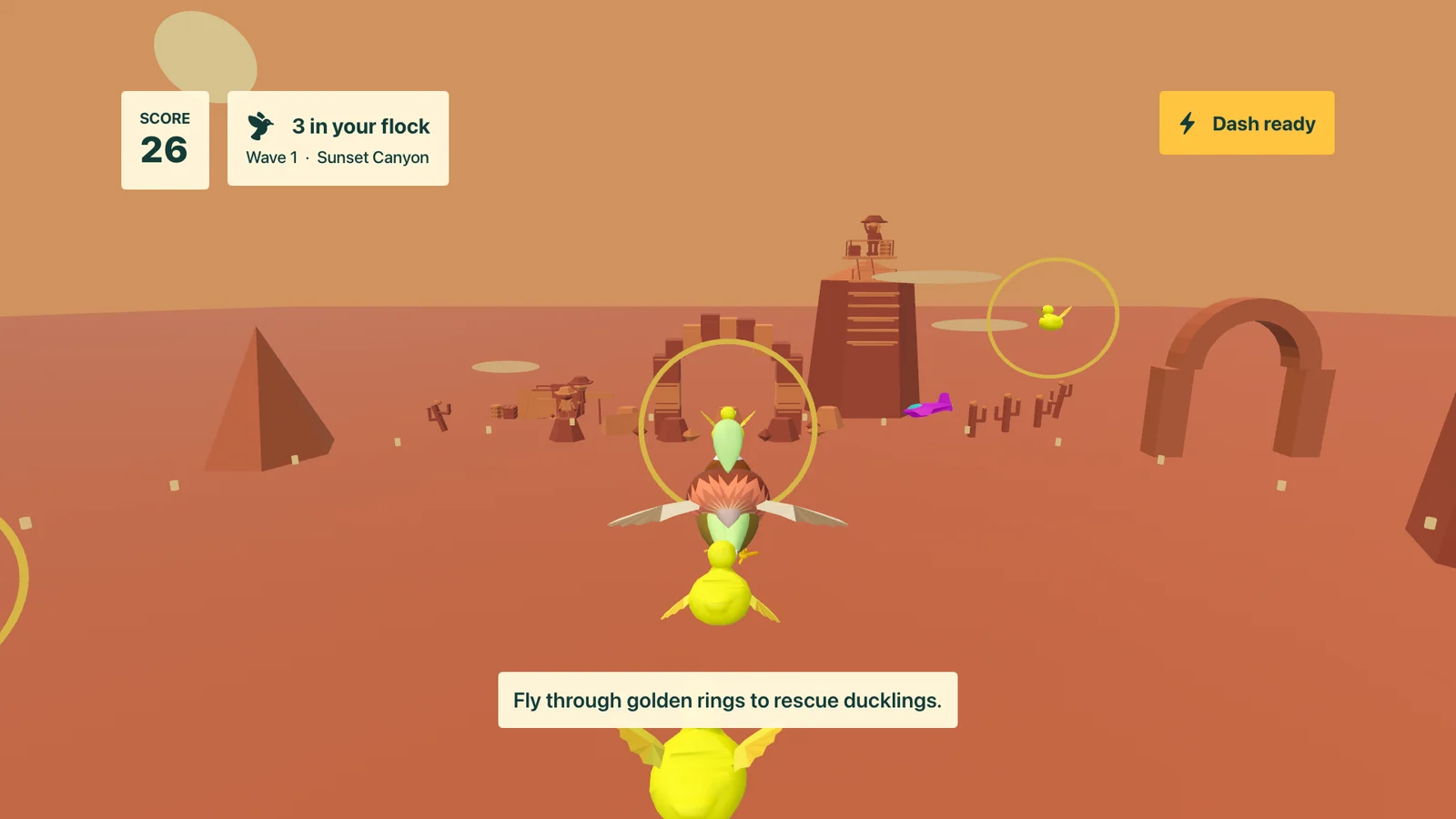
Fly through golden rings to rescue ducklings. Start with three and make room for up to twelve.
Mind the traffic.
The skies get busier as you go. Steer clear of planes and use a quick dash to protect your flock.
Make it your flight.
Pick your world, put on a favorite track, and chase your best score. Or let Random choose for you.
The worlds & the music
A change of scenery.
A beat to fly to.
Skim a sunlit lagoon, thread a sandstone canyon, or take the flock out after dark. Every world has its own scenery. The soundtrack brings warm keys, rolling bass, and laid-back house beats.
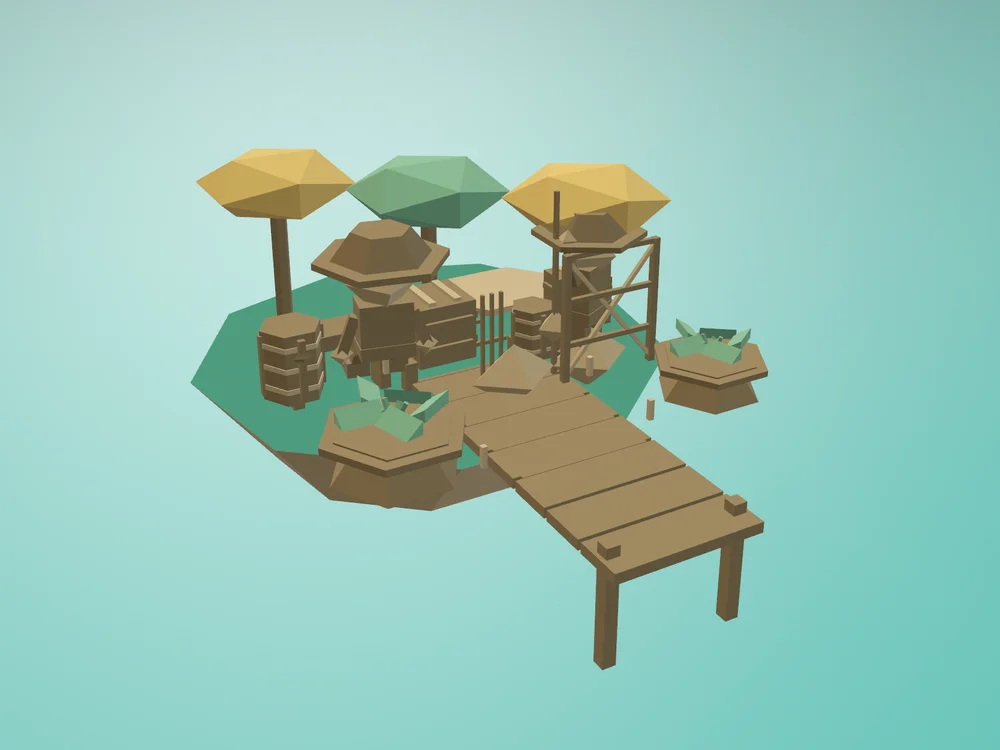
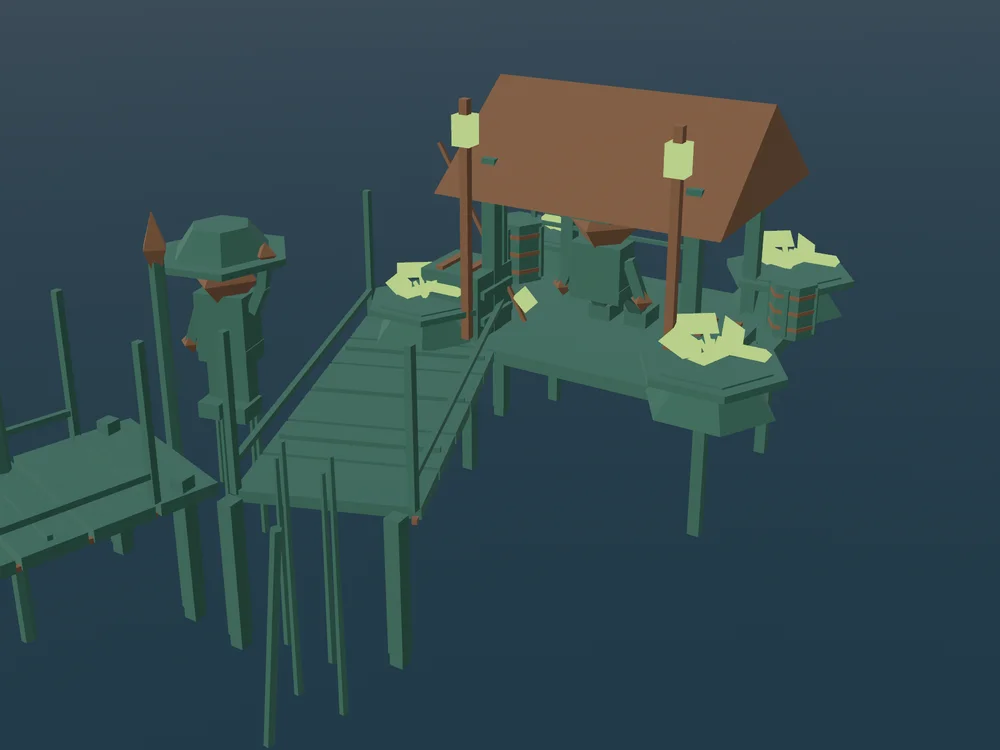
Scenery close-ups captured in the game.
From the original flock
Back in the air.
Duck Duck SPLAT! is a modern adaptation of Nate’s final project for a college 3D graphics class in 2007. The original flock takes flight again with new worlds and controls for today’s devices.
Thanks to Elijah for ideas and inspiration along the way.
Made by Exclaim Systems LLC.
A little help
Support
Something ruffling your feathers? Tell us what happened.
Email supportinfo@exclaim.systems
Exclaim Systems LLC
For a bug report, include your device, operating system, and the Build number at the bottom of the game’s Home or About screen. A description of what you were doing helps too.
Please don’t send passwords or payment details. Check screenshots for personal information before sharing them.
Before your next flight
How do I restore my purchase?
Sign in to the App Store with the Apple Account used to buy the Full Collection. In the game, open World or Soundtrack, choose Unlock worlds & music, then Restore purchases. An internet connection is needed to restore.
If the collection is still locked, email us with the message shown in the game. A pending purchase unlocks after Apple confirms it.
What is free, and what does the purchase add?
Two worlds (Lagoon and Sunset Canyon) and two songs (Dawn Drift and Still Water) are included. The one-time Full Collection purchase adds the other fourteen worlds and fourteen songs. It is not a subscription. Random only selects from content you have access to.
Which devices and controls are supported?
The game supports iPhone and iPad with iOS/iPadOS 18 or later, Mac with macOS 15 or later, and Apple TV 4K with tvOS 26 or later. Check the App Store listing for release availability and compatibility with your device.
On iPhone and iPad, use the on-screen joystick to steer and climb, and tap Dash. A Bluetooth or Magic Keyboard adds WASD/arrow controls while keeping touch controls available. On Mac, use WASD or the arrows, Space to dash, C to change camera, and Escape to pause. Game controllers and the Siri Remote on Apple TV are supported too.
Can I choose the music or turn it off?
Open Soundtrack to choose a song or Random. Enable Repeat to keep the current song playing. Home and pause have separate Music and Effects buttons; switching music on or off fades it gently.
Where are my score and settings saved?
Your best completed-flight score and preferences stay on the device. They do not sync between devices, and an unfinished flight is not saved. Switching away pauses the game; return and choose Resume to continue that flight.
Your collection purchase is separate from your score and can be restored through your Apple Account.
How do I request a refund?
Apple handles App Store payments and refund requests. Follow Apple’s refund instructions to request a refund. Eligibility depends on Apple’s policies and your region.
Your data
Privacy policy
Playing the game does not send your score or gameplay to us.
Effective September 7, 2026
Last updated September 7, 2026
This policy covers Duck Duck SPLAT! and this product website, operated by Exclaim Systems LLC. It explains the information used by the game, what happens when you visit this page or contact support, and the choices available to you.
Information in the game
The game saves your best score, world and soundtrack selections, repeat setting, and music and effects preferences locally on your device. We do not receive those values or a history of your play. There is no Exclaim Systems account, advertising, behavioral tracking, or third-party analytics in the game.
The game does not request your name, email address, location, contacts, photos, camera, or microphone. It does not upload keyboard, touch, or controller input. Scores and preferences do not sync through a service operated by us.
App Store purchases
Apple processes the optional Full Collection purchase. The game uses Apple’s StoreKit service to check verified purchase information, including whether the collection is owned, restored, or revoked. This information enables the content you have purchased; it is not sent to an Exclaim Systems server.
We do not receive your payment card details or Apple Account password. Apple processes purchase and store information under Apple’s privacy policy. Apple may also provide developers with App Store sales reports or diagnostics under Apple’s own services and your device settings; these are separate from the game’s local score and preferences.
This website
This page does not set cookies, use local storage, or load advertising, analytics, or tracking pixels. Fonts and images are served from this website. Following an App Store or other external link takes you to a service with its own privacy policy.
To deliver the page, our server and hosting provider process ordinary request information, which may include your IP address, browser information, requested address, and request time. Server logs may retain this information for site operation, security, and troubleshooting. We do not use it for advertising or to track you across websites.
When you contact us
If you email support, we receive your email address and the information you choose to include, such as your name, message, device details, or attachments. We use it to respond, investigate the issue, and provide support. Our email provider processes those messages to deliver and store correspondence.
We do not sell personal information or share it for targeted advertising. Service providers may process information on our behalf to host this page and handle email. Information may also be disclosed when legally required or necessary to protect the security and rights of our users and services.
Retention, deletion, and your choices
Local scores and preferences remain until the app’s data is removed from your device. On iPhone, iPad, and Apple TV, deleting the app removes its local app data; offloading it preserves data. Device backups may retain a copy under your backup settings. On Mac, removing the app alone may leave its local preferences; contact us for help removing them.
Deleting local app data does not delete your App Store purchase history or revoke your purchase. Apple manages those records under its policies, and restoring a purchase may unlock the collection again.
We retain support correspondence and operational logs only as long as needed for the purposes described here, including resolving issues and meeting applicable legal obligations. To ask about, correct, or request deletion of information you have sent us, email info@exclaim.systems. You can also ask us to stop further support correspondence. We may need to confirm your identity before handling a request. Rights to access, correct, delete, or object to processing depend on your location.
Children’s privacy
The game has no account signup and does not ask players to provide personal information. If a child has sent personal information to support, a parent or guardian can contact us to request its deletion.
Changes and contact
If our practices change, we will update this policy and its date on this page. For privacy questions or requests, contact Exclaim Systems LLC at info@exclaim.systems.
The small print
App terms
App Store downloads are licensed under Apple’s Standard End User License Agreement. The optional Full Collection is a one-time in-app purchase, not a subscription. Apple presents the price and payment terms before you confirm a purchase.
For help with the game or your collection access, contact support.